Private AI teams often make one correct move and then stop too early.
They bring the model closer to the work. They run it on a workstation, a controlled VM, or an internal container. Then they describe the whole posture as local or private.
That is not enough.
Once an AI agent can inspect files, edit code, run commands, load project configuration, and keep local transcripts, the real governance surface is the working directory.
That is why private AI needs a working-directory contract.
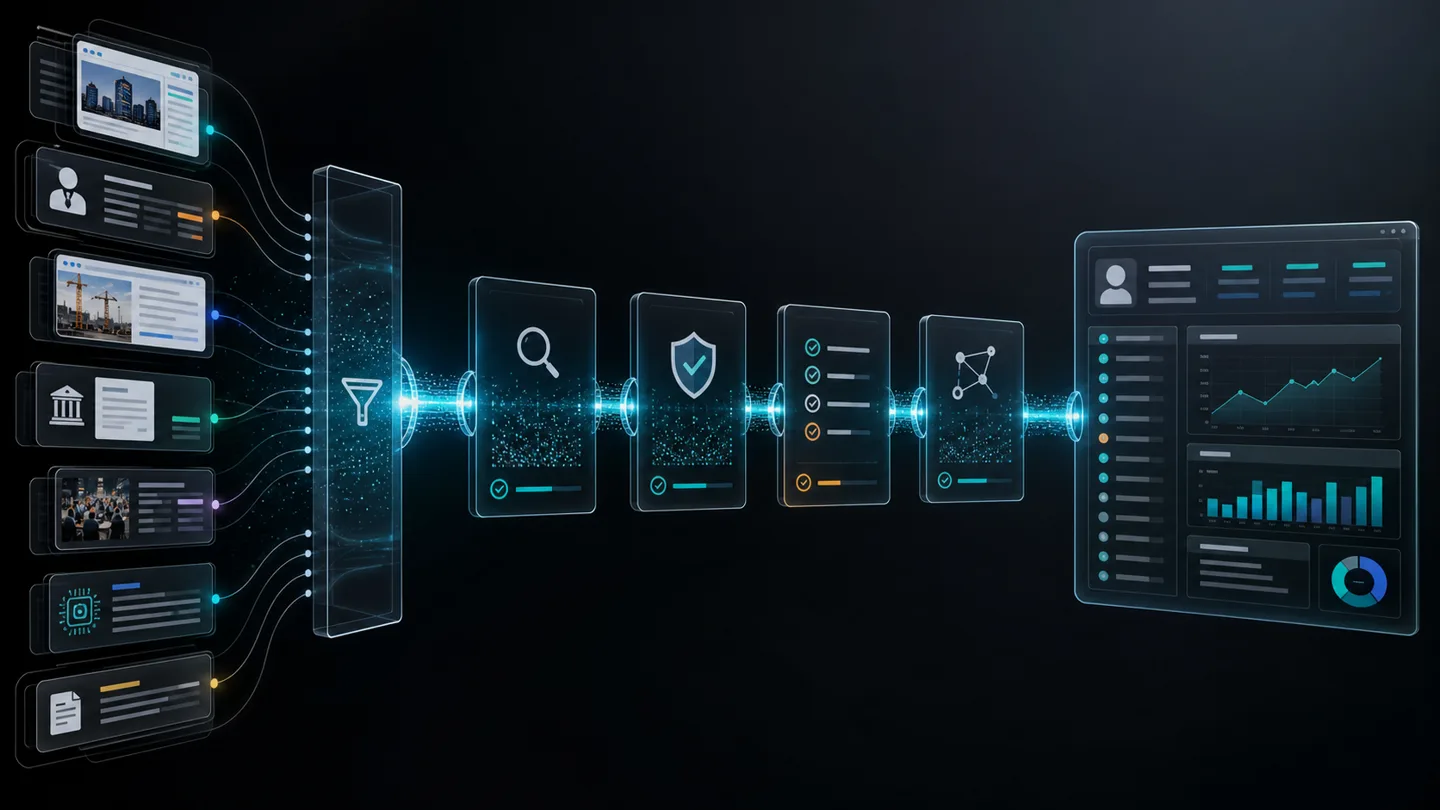
A working-directory contract states which roots the agent may read, which paths it may write, which subdirectories stay protected, which extra mounts are allowed, which environment variables are forwarded, when network access is possible, and where local transcripts or generated artifacts persist after the run ends.
Why this matters now
Local coding and operations agents are moving from demos into real engineering loops.
OpenAI’s current Codex CLI docs say teams can inspect code, make changes, run commands, and automate repeatable work without leaving the terminal. The same docs say Codex can work against a local repository and let the user choose permissions and commands that fit the task.
Google’s current Gemini CLI materials describe built-in file operations, shell commands, web fetching, MCP support, sandboxing, and trusted-folder controls. Anthropic’s current Claude Code data-usage page makes clear that local transcripts can persist on the client machine by default.
So the market is no longer deciding whether agents can touch the local environment. The docs already assume they can.
The question has shifted to whether the local environment is governed precisely enough for production work.
The docs already define the filesystem as a policy surface
1. OpenAI treats the workspace as a permission boundary
The current Codex CLI page says teams can inspect files, make edits, and run the tools already installed on the local machine. That is a direct statement that the local environment is part of the product surface, not just a passive host.
OpenAI’s current Agent approvals & security page then gets more specific. It says that by default the agent runs with network access turned off and that locally Codex uses an OS-enforced sandbox that limits what it can touch, typically to the current workspace, plus an approval policy that controls when it must stop and ask before acting.
The same page says that in the Auto preset, for example --sandbox workspace-write --ask-for-approval on-request, Codex can read files, make edits, and run commands in the working directory automatically. It also says Codex asks for approval to edit files outside the workspace or to run commands that require network access.
That is already a contract shape. There is an approved workspace, a default network stance, and an escalation path when the agent wants more reach.
OpenAI’s current config guide adds another important detail. Project config files are resolved from the project root down to the current working directory, with the closest trusted project winning. The guide also documents sandbox_mode = "workspace-write" and a shell_environment_policy that can explicitly limit which environment variables reach spawned commands.
In other words, the working directory is not just where files live. It is also where policy gets inherited.
2. Protected subpaths matter as much as writable roots
OpenAI’s security page says the default workspace-write sandbox still protects key subpaths as read-only, including .git, .agents, and .codex under a writable root.
That matters because “the agent can write in the repo” is not one permission. It is a bundle of smaller decisions.
Can it rewrite source files but not repository metadata? Can it update implementation code but not agent policy files? Can it run commands while still being blocked from sensitive control directories?
Those are the kinds of distinctions a working-directory contract should make explicit instead of leaving them to defaults that nobody records.
3. Gemini CLI shows how mounts quietly widen the boundary
Google’s current Gemini CLI sandbox guide says that, inside the sandbox container, the current working directory is mounted at the exact same absolute path as it is on the host machine. The guide says this lets the AI read and modify project files while remaining isolated from the rest of the system.
That is a useful default. It is also a reminder that containerization does not erase the importance of the host path. It formalizes it.
The same guide says that by default the sandbox only has access to the current project workspace. But it also documents SANDBOX_MOUNTS for mounting files or directories outside the workspace, including read-write options, and it describes a sandbox-expansion flow where, if the user approves, the command runs with the extended permissions for that specific run.
That is exactly how a local boundary drifts in real operations.
A team starts with a neat project folder. Then a model needs access to shared prompts, a secrets template, a downloads folder, a sibling repo, a mounted knowledge base, or a temporary export location. One by one, extra mounts appear. Without a written contract, the effective boundary gets much larger than the original approval implied.
4. Trusted-folder policy is part of the product
Google’s current Trusted Folders page says the feature is disabled by default. When enabled, it asks the user to approve a folder before the CLI loads project-specific configuration from it.
That detail is easy to underestimate.
For local agents, the working directory is not only a set of documents and source files. It can also be a source of project-specific instructions, settings, extension behavior, and policy overlays. Loading those automatically from an untrusted directory changes the behavior of the agent before the user even starts the substantive task.
That means a working-directory contract should cover which folders are trusted to contribute policy, not just which folders are trusted to hold data.
5. Local traces can survive even when the run feels ephemeral
Anthropic’s current Claude Code data-usage page says commercial users have a standard 30-day retention period and that Claude Code clients store session transcripts locally in plaintext under ~/.claude/projects/ for 30 days by default to enable session resumption. The page says the period can be adjusted with cleanupPeriodDays.
The lesson applies beyond one vendor.
Even if the AI route is local, private, or sandboxed during execution, the session can still leave readable traces on the endpoint. That changes the governance question from “Where did the model run?” to “What local evidence, prompts, outputs, and transcripts remain after the run?”
A private AI story that ignores post-run local traces is incomplete.
What breaks when there is no working-directory contract
1. The approved scope becomes larger than anyone intended
A team may say the agent only works in one repo, while mounts, sibling folders, shared caches, or permissive trust settings quietly broaden the real boundary.
2. Local policy loads from the wrong place
If project-specific configuration can shape agent behavior, the question is no longer only “Which model are we using?” It becomes “Which directory is allowed to tell the model how to behave here?”
3. Sensitive control paths get treated like normal files
Repository metadata, agent config, credential templates, deployment manifests, and hidden control folders should not automatically inherit the same write policy as ordinary working files.
4. Endpoint traces outlive the risk review
Readable transcripts, generated patches, logs, temp artifacts, and downloaded files can persist on developer or operator machines long after the run is forgotten.
5. Reproducibility disappears
If a run did useful work but nobody recorded its exact working directory, mounted extras, network stance, trusted config sources, and retained artifacts, the team cannot reliably explain or replay what environment the agent actually saw.
What a working-directory contract should include
A useful contract should be concrete enough that operators, security reviewers, and buyers can point to the same boundary.
1. Approved roots
Name the directories the agent may read and the directories it may write. Separate the default workspace from any additional approved roots.
2. Protected subpaths
List subdirectories or files that remain read-only even inside a writable root, such as repository metadata, policy folders, signing material, deployment configs, or other control surfaces.
3. Extra mounts and expansion rules
Document when a run may mount material from outside the core workspace, whether those mounts are read-only or read-write, who approves them, and how that approval is recorded.
4. Project configuration trust
Define which folders are allowed to contribute project-specific instructions, agent settings, plugins, or policy files, and how first-use trust is established.
5. Environment-variable forwarding
Specify which environment variables reach spawned commands and agent subprocesses. A narrow allowlist is a different product from forwarding the full shell environment.
6. Network mode
State whether the agent can use the network at all, which commands or tools can trigger network access, and what requires fresh approval.
7. Local transcript and artifact retention
Record where transcripts, logs, patches, generated files, and temp artifacts land on the endpoint, how long they persist, and what cleanup control removes them.
8. Evidence of the active mode
Keep proof of the current sandbox mode, writable roots, trust settings, mounted paths, and retention settings. Without that evidence, the control exists only as an assumption.
Questions buyers and operators should ask
- Exactly which directories can the agent read, and which can it write?
- Which hidden or control paths stay protected even when the workspace is writable?
- Can the agent load project-specific behavior from the folder it opens, and how is that folder trust approved?
- What happens when the agent asks for access outside the workspace?
- Which environment variables reach spawned commands?
- Is network access off by default, on by default, or granted only through per-run approval?
- Where are local transcripts, logs, generated patches, and downloads stored after the run ends?
- What record proves the active working-directory policy for a given run?
If those answers are fuzzy, the organization does not yet have a governed local-agent posture. It has a convenient demo setup.
The commercial takeaway
Private AI buyers are right to care about whether the model runs locally, in a private network path, or on provider infrastructure.
But local execution is only part of the operating boundary.
Current OpenAI, Google, and Anthropic materials already show the next layer clearly: workspace limits, protected paths, trust prompts, sandbox expansion, environment-variable filtering, and local transcript retention all shape what a local AI agent really is.
The teams that deploy well will stop asking only, “Does it run on our machine?” and start asking, “What exact working-directory contract does this agent satisfy?”
That is the question that keeps private AI procurement, security review, developer operations, and real production use aligned before the first local agent starts touching live files.
Related reads
- Enterprise AI Needs a Sandbox Contract: Why Tool-Using Models Change the Trust Boundary
- Private AI Needs a Residency Contract: Why Zero-Retention APIs, VPC Paths, and Local GPUs Are Different Products
- Enterprise AI Needs an Attachment Contract: Why File Upload Is a Workflow Boundary, Not a UX Feature
- AI Workflow Services