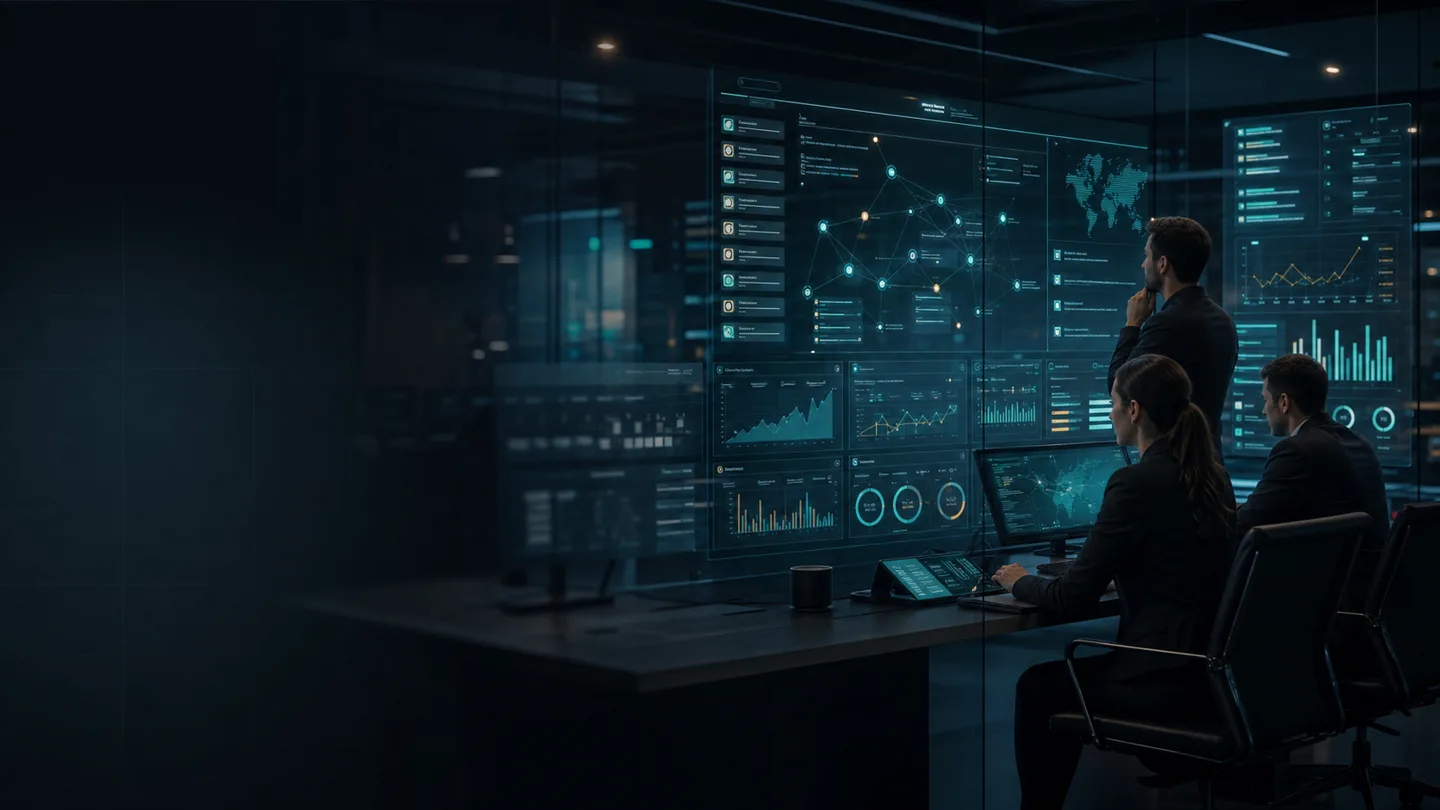
Computer-use AI is moving from novelty into real operator tooling.
OpenAI now documents computer use as a way for models to inspect screenshots and return interface actions through a browser or desktop harness. Anthropic documents a computer use tool that gives Claude screenshot, mouse, and keyboard control in a sandboxed environment. That is a real shift. The interface itself is becoming executable surface area for AI systems.
But the hard enterprise question is not whether a model can click.
It is whether your team can replay the run, inspect the decision state, confirm the approval boundary, and resume safely when the page or task changes.
That is the missing control layer for browser agents.
Why this matters right now
Vendor guidance is already pointing in the same direction.
OpenAI’s computer-use guide tells teams to run the tool in an isolated browser or VM, keep a human in the loop for high-impact actions, and treat page content as untrusted input. The same guide notes that when UI state may vary across runs, teams should start with a screenshot-first step so the model can inspect the page before committing to actions.
Anthropic’s computer use documentation makes similar points from a different angle. It recommends a sandboxed computing environment, warns that internet interaction raises unique risks, and says humans should confirm decisions that could create meaningful real-world consequences or require affirmative consent. Anthropic also recommends end-to-end verification at the start of each new session for long-running agents because browser-based checks catch regressions that code-level review alone can miss.
Put those together and the message is clear: browser agents are not just another prompt surface. They are variable-state systems operating against interfaces that change, content that can be adversarial, and workflows that may carry real business consequences.
Guardrails alone are not enough
NIST recently published a mathematical proof supporting a continuous-monitor-and-update security model for AI systems and stated that there is no finite set of guardrails that is universally robust against adversarial prompts.
That matters even more in browser automation.
A browser agent does not only process instructions from your system prompt. It also encounters dynamic page text, popups, prompts, consent banners, warnings, misleading labels, stale screens, session timeouts, and unexpected intermediate states. A fixed rule set can reduce risk, but it cannot guarantee safe behavior across every changing interface and page condition.
That is why the right production question is not “Which browser agent is smartest?” It is “What evidence survives after the agent acts, fails, pauses, or needs approval?”
The replay problem is the real production problem
Most browser-agent demos show a model completing a task once. Enterprises need something else.
They need the ability to answer six questions after every meaningful run:
- What exact page or application state did the agent observe before it acted?
- What action did it intend to take, and under which policy?
- Which step required human confirmation or was blocked from autonomy?
- What changed on screen or in system state after the action?
- Where can the workflow resume if the run is interrupted?
- What evidence lets another operator review the run without guessing?
If those answers are missing, the organization is forced back into screenshots in chat threads, uncertain reconstructions, and blunt reruns. That is expensive. It also destroys trust fast.
The minimum replayable evidence packet
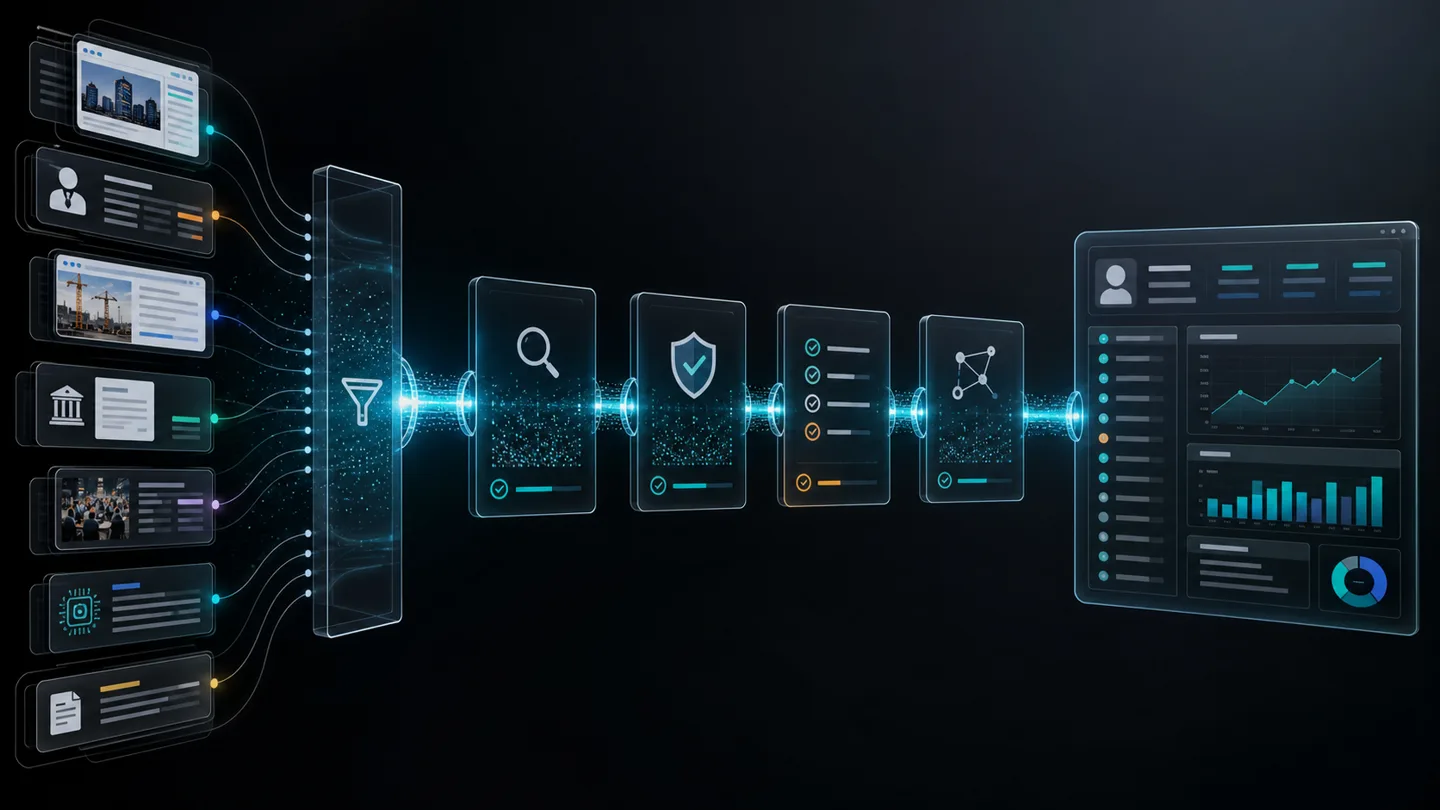
Before a browser agent touches real operations, every reviewable run should leave behind a replayable evidence packet. At minimum, that packet should include:
- Session identity: run ID, model ID, harness version, and environment name.
- State snapshot: starting URL or application surface, timestamp, screenshot, and relevant visible state summary.
- Intent record: the task objective, current substep, and allowed action scope.
- Approval state: whether the next action is auto-approved, requires human approval, or is blocked entirely.
- Action trace: what the agent clicked, typed, selected, or submitted.
- Result delta: what changed after the action, including success, failure, timeout, or ambiguous state.
- Recovery checkpoint: the last verified safe point where the workflow can resume without repeating completed work.
- Exception note: what was unusual, contradicted, stale, or unsafe enough to escalate.
This is not bureaucratic padding. It is the difference between a system that can be debugged and a system that can only be hoped for.
Where browser agents can become useful first
The first strong production lanes are usually not fully autonomous. They are high-friction workflows with repetitive interface work and clear approval boundaries.
Technical document and portal workflows
AEC, facilities, permitting, and supplier teams often live inside portals that were never designed as APIs. A browser agent may help collect status, gather files, or draft a structured handoff. The safe production move is to keep final submission, binding attestations, and consequential approvals with a human reviewer.
Procurement and vendor operations
Supplier onboarding, certificate checks, and portal updates are often tedious, cross-screen tasks. A browser agent can assist, but only if the workflow records exactly which vendor record, which document state, and which approval boundary applied at each step.
Logistics and exception triage
Browser automation can help gather shipment status, lane exceptions, or carrier portal updates. But if a model cannot prove what it saw before an exception was escalated, the operator still has to reopen the portal and reconstruct the run manually.
The architecture pattern that holds up
The most durable browser-agent design pattern is simple:
- run the agent in an isolated browser or VM,
- treat page content as untrusted input,
- keep meaningful side effects behind human approval,
- record state before and after every high-consequence action,
- and make resumption possible from a narrow verified checkpoint.
That pattern works whether the model is hosted, private, or locally served. The control requirement does not disappear when inference moves closer to the enterprise. Local inference can help with privacy and control, but it does not magically solve state drift, interface ambiguity, or approval design.
Questions buyers should ask before approving browser agents
- Can we replay a run without depending on an operator’s memory?
- What exact evidence is preserved before and after each action?
- Which actions are impossible without human confirmation?
- How does the system behave when the page state is different from the expected state?
- Can the workflow resume from a checkpoint instead of restarting from the beginning?
- How are domain allowlists, session boundaries, and sensitive fields controlled?
- What happens when the model encounters misleading on-screen instructions or hostile content?
If a vendor or internal team cannot answer those clearly, the browser-agent program is not ready for consequential work.
The commercial takeaway
The near-term winners in computer-use AI will not be the teams with the most dramatic click demos.
They will be the teams that turn browser interaction into a governed workflow surface with evidence packets, approval boundaries, and recovery checkpoints. That is how a useful assistant becomes an operational system.
For VexASI’s kind of workflow design work, that distinction matters. The value is not “the model used a browser.” The value is that a team can inspect what happened, challenge it, recover cleanly, and keep authority where consequences live.
Related reads
- Resumable AI Workflows Beat Autonomous Agents
- OpenAI-Compatible Isn’t Agent-Compatible
- Signal Confidence Rubric
- AI Workflow Services